
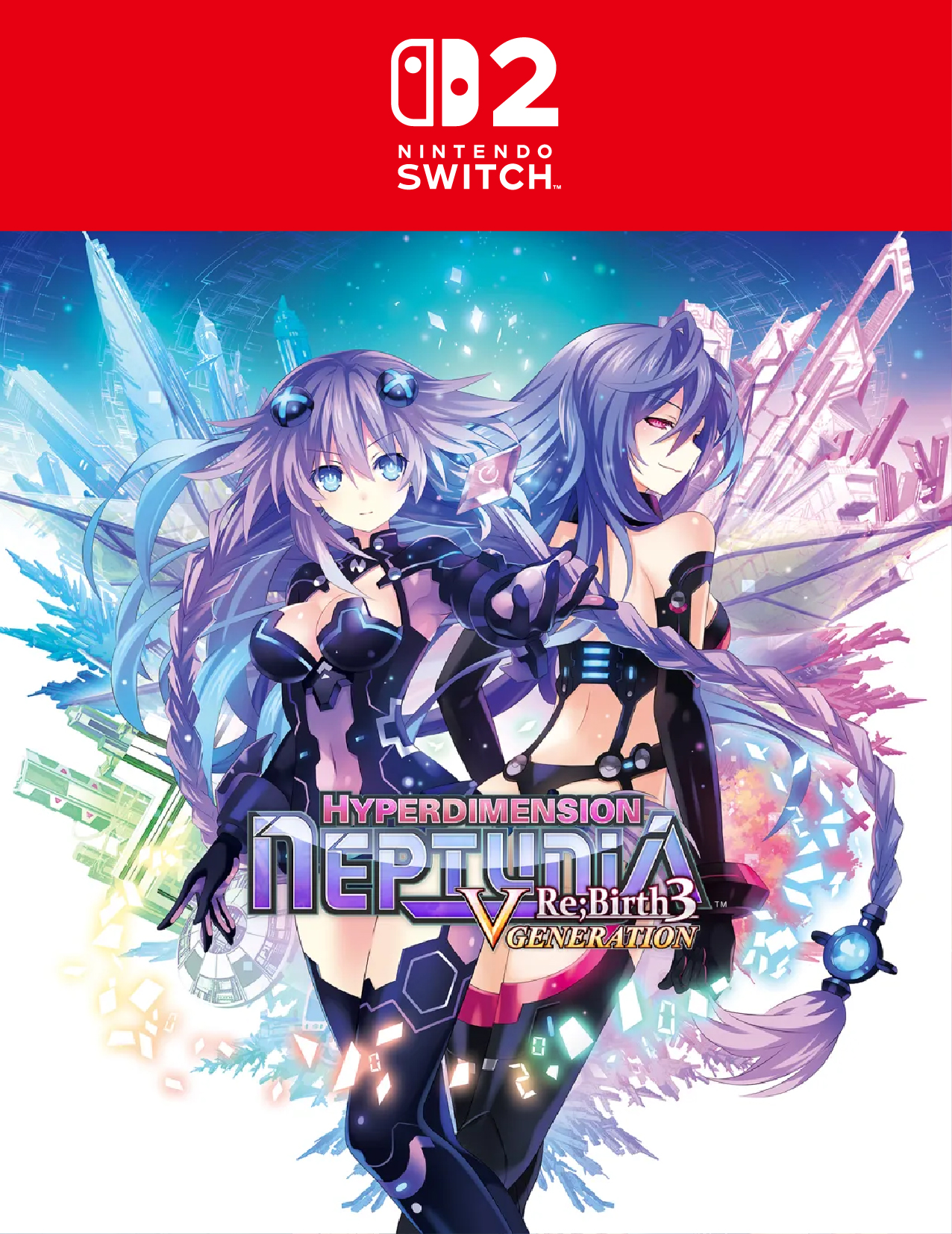
Description
How to Redeem a Game Code on Nintendo Switch 2
Step 1: Sign in to your Nintendo Account
- Turn on Nintendo Switch 2
- Make sure your profile is linked to a Nintendo Account
⚠️ Important:
The account region must match the code region (US / EU / JP / HK, etc.)
Step 2: Open Nintendo eShop
- From the Home Menu
- Select Nintendo eShop
Step 3: Select “Redeem Code”
- Scroll down the left-side menu
- Choose Redeem Code / Enter Code
Step 4: Enter the code
- Enter the 16-character code
(format: XXXX-XXXX-XXXX-XXXX) - Select Confirm
Step 5: Download the game
- If the code is valid, the game will be added to your Library
- Select Download and start playing
Important Notes (Very Common Issues)
- Wrong account region → code cannot be redeemed
- Each code can be used only once
- Some codes may expire
- DLC codes must match the correct game version & region

Customer Reviews
There are no reviews yet.